For Claude, ChatGPT and any MCP client
Canva MCP alternative: a design MCP server for Claude and ChatGPT
Ask your agent for a design. Get a file your printer accepts.
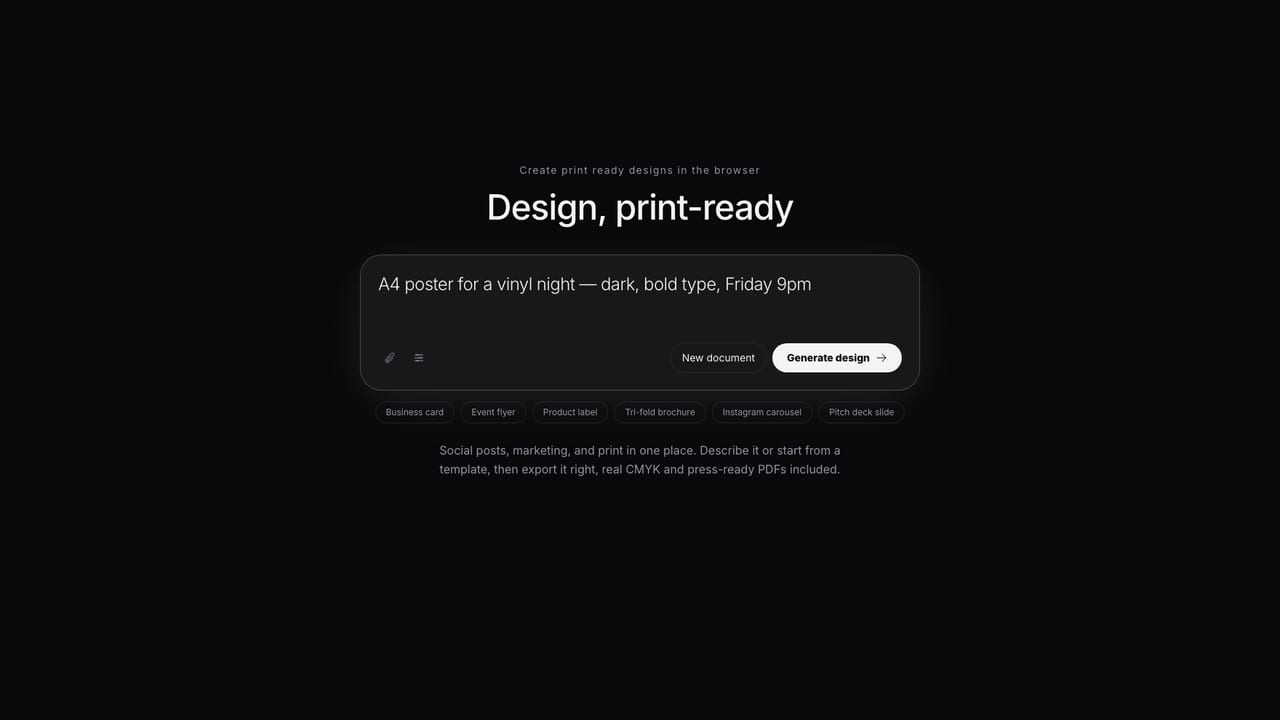
Popcorn Editor runs an MCP server at one URL. Connect your assistant once and it writes real design documents in your workspace: layered, editable, checked before they are saved, and ready to export for press.
Claude · ChatGPT · Gemini CLI · Cursor · VS Code · OAuth or agent tokens
Why a different MCP
The agent writes the design, not just a request for one.
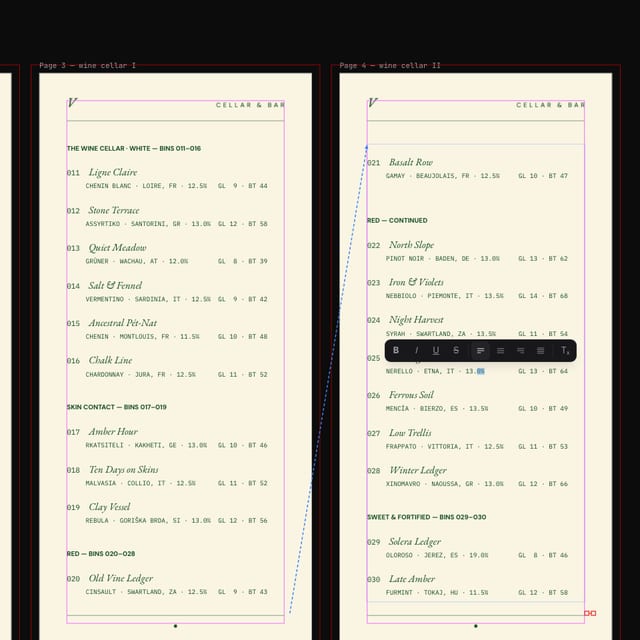
Your assistant reads Popcorn's design format over MCP, drafts a structured document, and validates it until it passes. It can analyze the layout and render a preview to check its own work. What lands in your workspace is a document you can open and change, with real CMYK, named spot swatches, bleed and dielines when the job needs them.
Side by side
Two ways to design from a chat
| For print production | Popcorn Editor | Canva AI Connector |
|---|---|---|
| Assistants | Claude, ChatGPT, Gemini CLI, Cursor, VS Code, any MCP client | ChatGPT, Claude, Gemini, Microsoft Copilot and more |
| What the agent does | Writes and validates the design document itself | Searches, creates and edits Canva designs, exports files |
| Colors in the design | Real CMYK and named spot swatches | Hex (RGB), converted to CMYK when printed |
| Print file | PDF/X-4 with spot plates, from the editor | PDF Print with an RGB or CMYK profile |
| AI usage | The assistant's own model; no Popcorn AI credits | AI-powered actions may use your Canva AI allowance |
| Plan needed | A paid Popcorn plan | Any Canva plan; Brand Templates need a paid one |
| Access control | Per person: OAuth, or read-only / read-write tokens | Team admins switch the connector on or off |
Canva column from Canva's public help center (November 2026). Canva is a trademark of Canva Pty Ltd.
Connect in three steps
From settings to a finished design
Add the server
In Claude or ChatGPT, add a custom connector with your MCP URL (shown under My Workspace → Your agent access). Editors and CLIs take the same URL plus an agent token.
Sign in once
Claude and ChatGPT open Popcorn's own sign-in and consent screen. No keys are pasted into the chat, and you can revoke access any time.
Ask for the design
“An A5 flyer for our summer opening, with 3 mm bleed.” The agent validates the document, creates it, and replies with a link that opens it in the editor.
Step-by-step guides: Claude, ChatGPT, other clients, and the full tools reference.
Made with Popcorn
The documents your agent designs into
Connected agents can start from these templates or from scratch. Either way you get the same editable design document.
 Cellar Index Drink List
Edit this template →
 Table Setting Placemat
Edit this template →
 Daily Sheet Menu
Edit this template →
 House Monogram Napkin
Edit this template →
 Field Report Data Almanac
Edit this template →
 Wayfinding Floor Sticker
Edit this template →
 Farrow Editorial Numeral Label
Edit this template →
 Design Academy Prospectus
Edit this template →
Questions
Questions about the design MCP
What is a design MCP server?
MCP is the open protocol AI assistants use to work with outside tools. Popcorn Editor runs one at /mcp/popcorn. Once your assistant is connected, it can read the design format, create designs, edit them and check its own work in your workspace.
Which assistants can connect?
Claude on web, desktop and mobile, and ChatGPT (custom connector, developer mode on the web), both with OAuth sign-in. Claude Code, Gemini CLI, Cursor, VS Code and any MCP client over streamable HTTP connect with an agent token.
Does it use AI credits?
Not Popcorn ones. The connected assistant brings its own model, so MCP usage runs on your Claude or ChatGPT plan. Connecting needs a paid Popcorn plan.
What can a connected agent do, and what can't it?
It can browse templates, create, read and update designs, validate and render them, and, where the server enables it, use workspace images. Read-only tokens don't even see the writing tools. There are no billing, account or admin tools on the connection.
How does it compare with Canva's AI Connector?
Canva's connector lets assistants search, create and edit Canva designs, autofill Brand Templates and export files. Popcorn's agents write the design document itself and validate it first, and the result opens in an editor built for print: real CMYK, spot plates and PDF/X-4.
Start now
Connect once. Then ask for the file.
MCP access comes with paid Popcorn plans. Your assistant brings its own model.
Also looking at designing with Claude, designing with ChatGPT ?