For editorial & multi-page work
Magazines, without the install.
Magazines, booklets and folders with master pages, paragraph styles and text that flows across pages — real layout tools in the browser, ending in a press-ready multi-page PDF.
Free to start · Master pages, styles & text flow included
Real templates
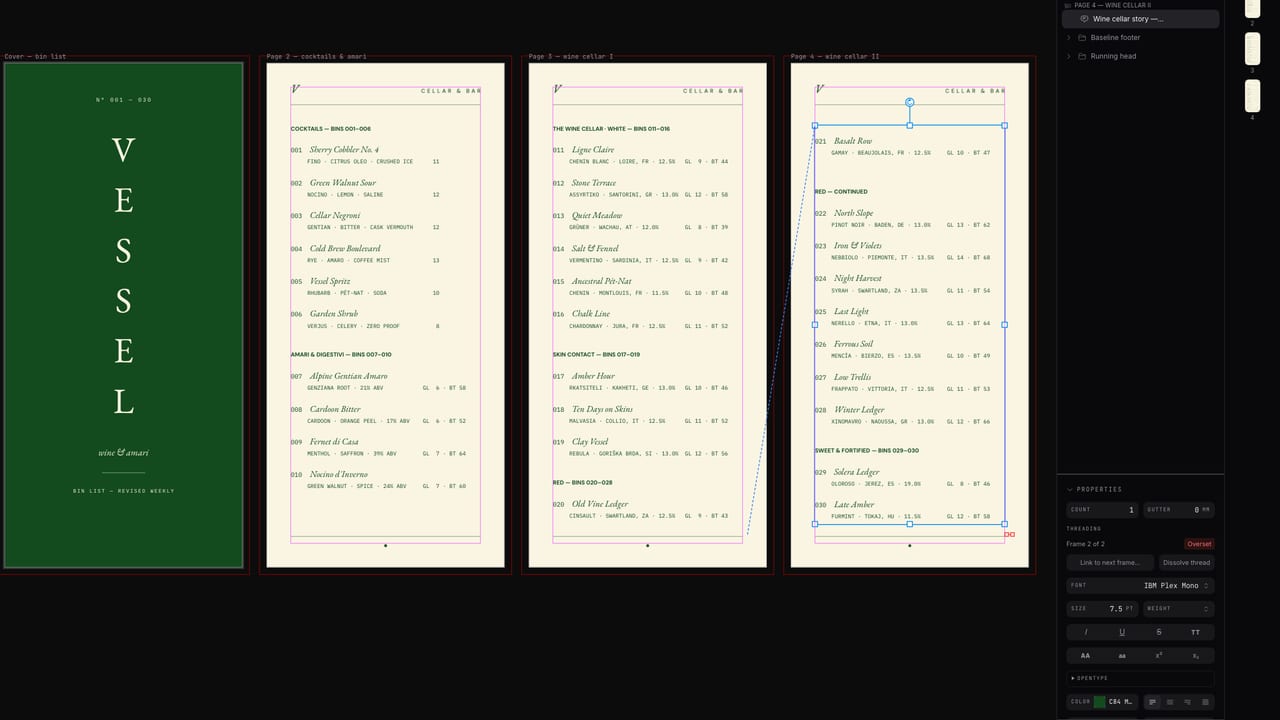
Start from a real magazine or booklet
Open a multi-page layout in the editor — master pages, styles and text flow are already set up. Replace the content and export for print.


Faster starts
AI drafts the layout system.
Describe the publication and AI drafts the grid, styles and sample spreads as a real document. You bring the content — the styles cascade, the text reflows, the layout holds.
How it works
Manuscript to printed pages
Open a magazine template
Masters, styles and text threading come set up. Add pages and the layout system carries — no rebuilding page three from page two.
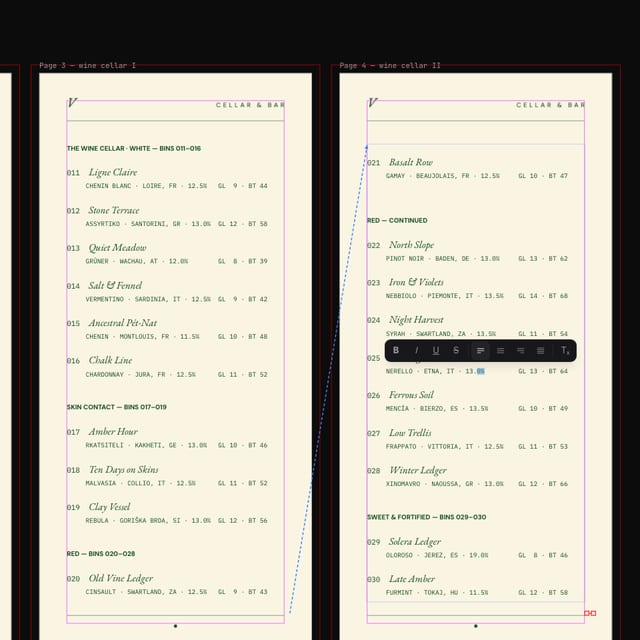
Pour in the content
Text flows between frames and pages and reflows as you edit. Columns, tab stops and absolute leading behave like the desktop tools you know.
Export for press
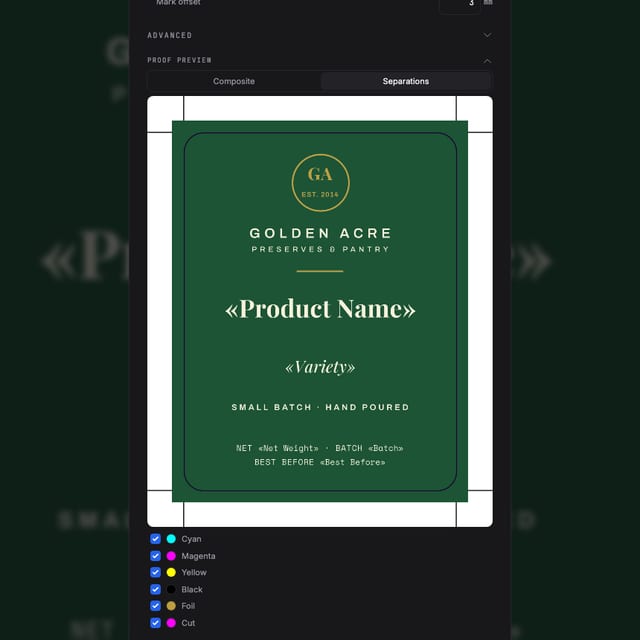
A press-ready multi-page PDF — real CMYK, bleed, crop marks, PDF/X-4 with ICC profiles — as spreads or single pages, as your printer prefers.
Questions
Before your first issue
Can a browser tool really handle multi-page layout?
Yes — master pages, paragraph and character styles, text columns, threaded text flow across pages, tables and facing-page spreads. The layout features you moved to desktop software for, without the install.
What happens when my article is longer than the page?
Text threads between frames and pages, and smart reflow keeps the story flowing when you edit — no manual copy-pasting between pages.
How does the typography hold up in print?
One text engine drives both the canvas and the PDF export — absolute leading in points, tab stops, columns and styles rip exactly as you set them.
What do I send to the printer?
A press-ready multi-page PDF with real CMYK, bleed and crop marks — PDF/X-4 with ICC profiles when required, with spreads or single pages as your printer prefers.
Is it free to try?
Yes — create a free account, open a magazine template and export your first pages. Paid plans add AI credits and production features.
Start now
Issue one, out of your browser.
Free to start — open a magazine template and try the text flow.
Also looking at how it compares to InDesign, the full print pipeline ?