For your photos
Photo books you actually lay out.
Photo books, calendars and photo cards in a real design editor — move, crop and caption every photo yourself instead of fighting a print shop's wizard. Then export a file you can print anywhere.
Free to start · Print at any photo printer
Real templates
Start from a real photo book or calendar
Open a layout in the editor, drop in your photos, adjust every page — then export a file any photo printer can produce.


Faster starts
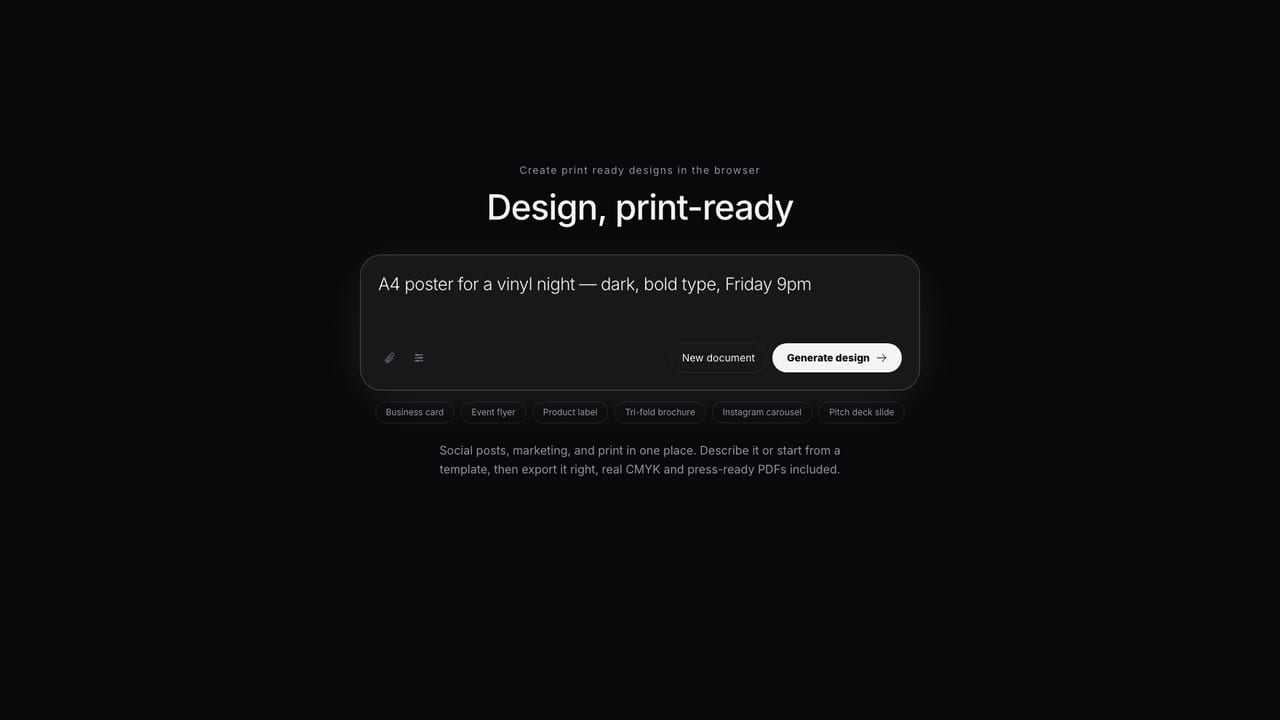
Let AI rough out the pages.
Describe the book — a year in travel, a wedding, a baby's first year — and AI drafts the page layouts. You place the photos, adjust every spread, and keep full control of the result.
How it works
Photos to a printed book
Pick a book or calendar layout
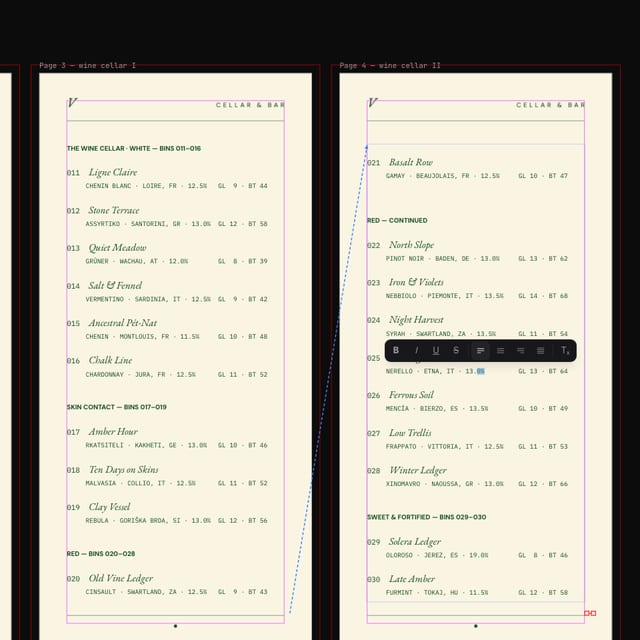
Templates come with the page grids, month layouts and cover set up. Master pages keep long books consistent without redoing every spread.
Place your photos, your way
Move, crop, caption — real layout control, not a wizard. An effective-PPI check flags photos that would print soft at their placed size.
Print it anywhere
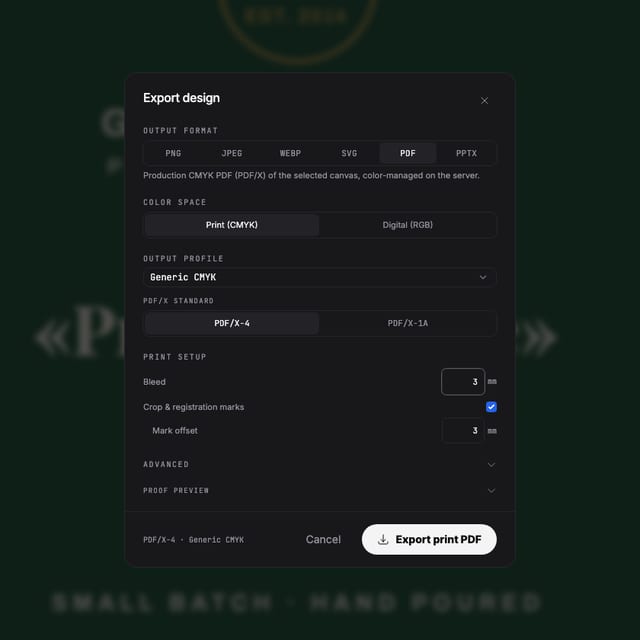
Export a print-ready multi-page PDF and take it to any photo printer — you're not locked into one shop's book builder or their prices.
Questions
Before you print your book
How is this different from the print shop's own photo book builder?
Those builders lock you into their layouts and their shop. Here you get a real design editor — move, crop and caption freely, use master pages for consistent spreads — and export a file you can print anywhere.
Will my photos print sharp?
An effective-PPI check flags any photo that would print soft at its placed size, before you export — no more discovering it on paper.
Can I make a calendar with my own dates and photos?
Yes — calendar templates come with the month grids laid out; swap the photos and adjust the styling. Photo cards for holidays and announcements work the same way.
How many pages can a photo book have?
Multi-page documents with master pages and facing-page spreads are supported, so longer books stay consistent without repeating work on every page.
What does it cost?
Free to start — edit templates and export your first designs without paying. Paid plans add AI credits and production features.
Start now
Those photos deserve paper.
Free to start — lay out your first pages today.
Also looking at posters & flyers, the full print pipeline ?